Skip to content
11,605 Devices Shipped.11,605 Shipped
Built for researchers since 2019.Built for research
45 days to try your first Vagal.45 days to try

Better Than Black Friday Sale
  • Nightshift
  • Calm
  • Uplift
  • Gentle Rhythms
  • Digestion
  • Recover
All six Tones

Six-Tone Bundle

Sleep, stress, mood, digestion, recovery and a gentle starter, in one go. Load whichever suits the moment and swap any time from the app.

6Tones
$234Bought separately
YoursTo keep
$29.00
Calm, Nightshift, Uplift, Gentle Rhythms, Digestion and Recover. $234 bought separately.
This price ends November 9. Tones are normally $39 each.
Free with a Vagal Buddy or Oh! until November 9.
Delivered to your Vagal Tones app as soon as your order goes through.
Get all six Tones

Protocols from published research No subscription Secure checkout

What is in the bundle

Six protocols, each with its own frequency, pulse and timing. Balance comes free with every device, so it is not part of the bundle.

Good to know

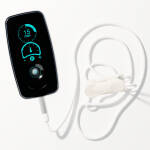
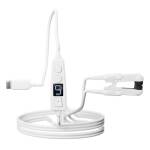
  • Works with Buddy, Oh! and the tVNS StimulatorLoad them through the free Vagal Tones app (Vagally Better on Android). Boost uses its own built-in modes, and the Research Edition uses the Tone Portal.
  • Buddy holds three at a timePick the three you use most and swap in any of the others from the app whenever you like.
  • Yours to keepA one-time purchase with no subscription. The six Tones stay in your account after the sale.
  • Already own one of them?You still get all six, and the bundle costs less than a single Tone on its own.

Load a Tone in 60 Seconds

No cables. No complicated setup. Purchase, sync, stimulate.

1

Purchase

Buy a Tone here. It appears instantly in your Vagal Tones app account.

2

Sync to Device

Open the app, connect via USB or Bluetooth, and transfer the Tone to your stimulator.

3

Stimulate

Select your new Tone on the device and begin your session. That's it.

Using Tones with Buddy

Pick your Tone with one thumb

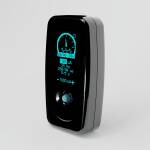
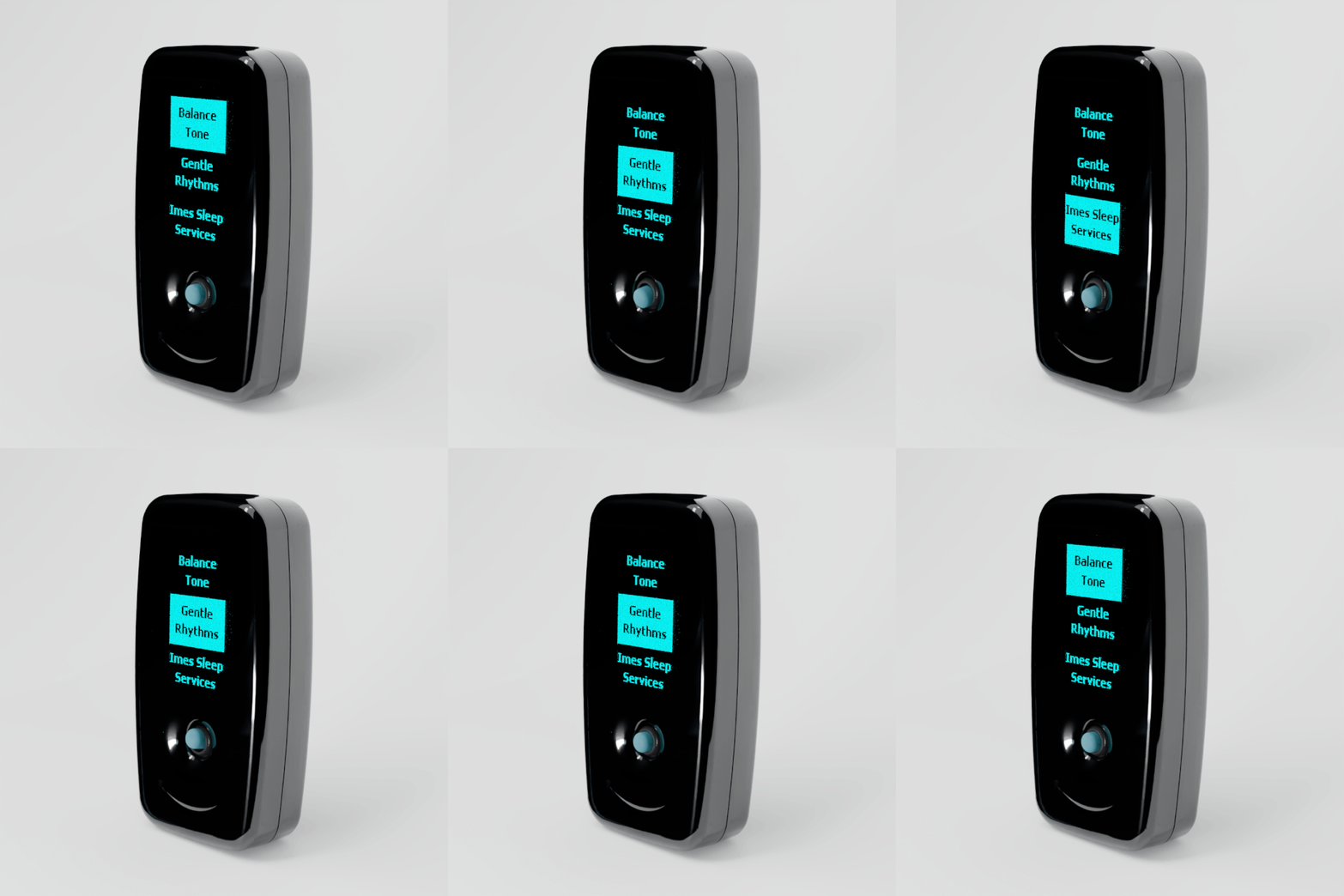
Buddy holds three Tones at a time and lists them on its screen. Once this Tone is loaded, switching to it takes a second, and you never need your phone to do it.

  1. 1

    Load it

    Sync the Tone to Buddy in the Vagal Tones app. You decide which three Tones Buddy carries.

  2. 2

    Nudge to highlight

    Push the joystick up or down to move through your Tones.

  3. 3

    Press to choose

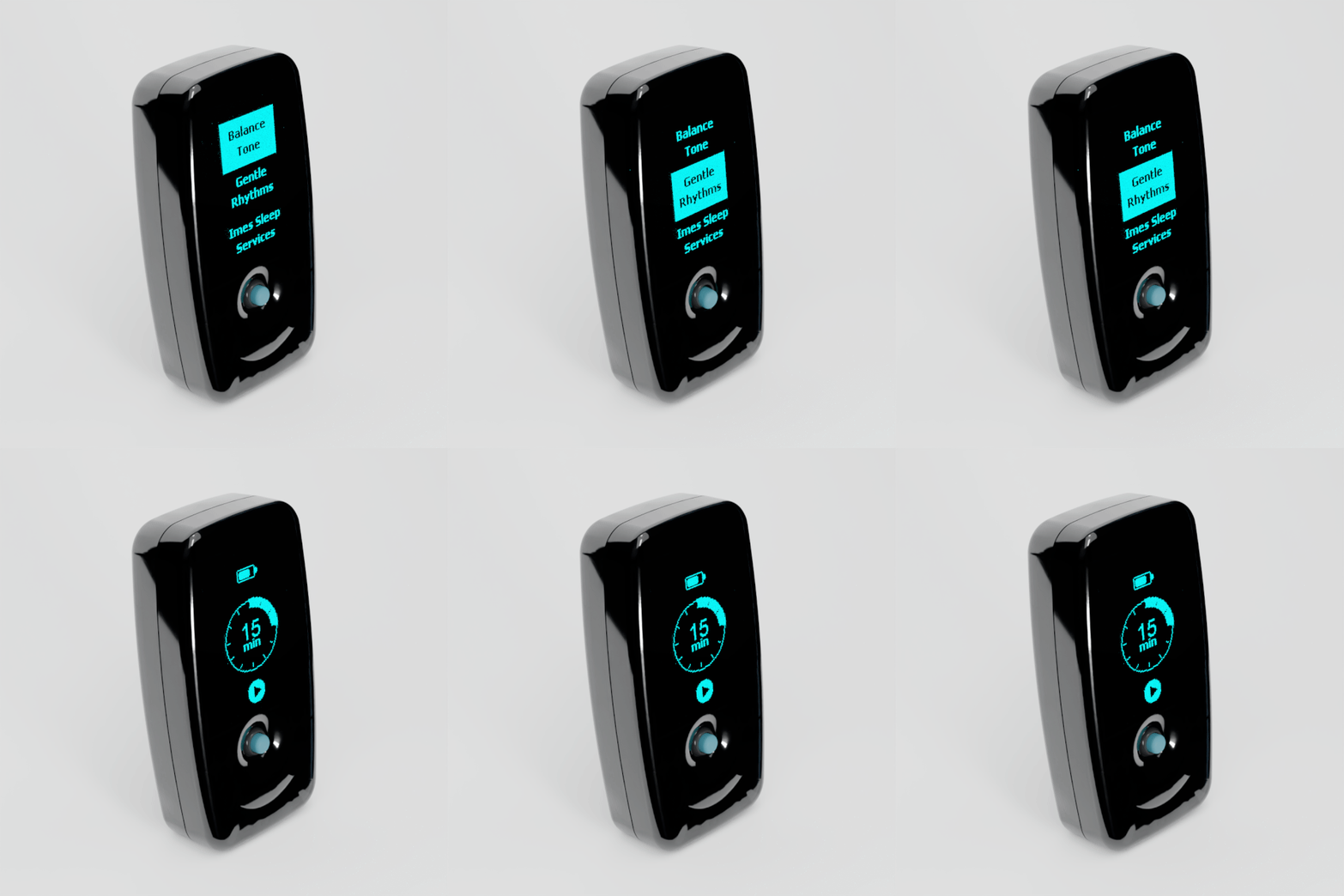
    Push the joystick in. Buddy goes straight to the session timer, ready to start.

Close-up of Vagal Buddy as the joystick is nudged and the highlight moves from Balance to Gentle Rhythms
2Nudge to highlight
Vagal Buddy screen scrolling through three Tones, then opening the 15 minute session timer after the joystick is pressed
3Press to choose

Tones FAQ

Everything you need to know about Vagal Tones

Why has the app changed its name? Do I need to reinstall it?

We have completely rebuilt the app in Flutter with a focus on Bluetooth connection stability and a smoother overall experience. As part of this, the Android version has a new listing on Google Play under the name Vagally Better. If you are on Android, you will need to install the new app -- it will not update automatically from the old version. We recommend uninstalling the old app once you have the new one set up. If you are on iPhone or iPad, the iOS app will update through the App Store as normal -- you do not need to do anything. The iOS version will also be renamed to Vagally Better in a future update, but the app will continue to work exactly the same regardless of the name shown.

Also from vagal.com