Skip to content
11,086 Devices Shipped.11,086 Shipped
Trusted by Scientists since 2019.Scientist Trusted
Recommended to their patients by doctors.Doctor Recommended

Stress Awareness Month 2026
Stress

Calm

Stress activates. This deactivates. A 20-minute protocol that uses intermittent stimulation to help your nervous system stop running and start recovering.

30Hz frequency
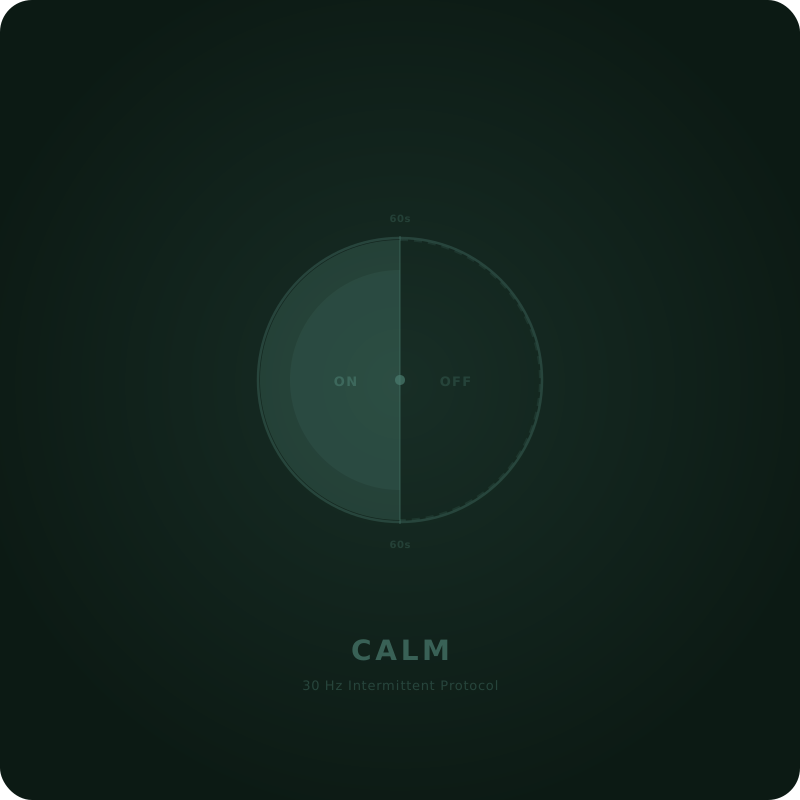
60sOn / Off cycle
20Min session
$39.00
Instant delivery to your Vagal Tones app
First Tone with intermittent duty cycling
One-time purchase, yours forever
A Better Way to Manage Stress

Protocol from published research No subscription Secure checkout

What Calm Does

Helps your brain hold steady under pressure

In a 2025 randomised crossover study, participants receiving taVNS at this frequency showed no increase in perceived stress during a laboratory stressor, while the sham group's stress levels rose significantly. The protocol also preserved frontal alpha and theta power -- the EEG signatures of a calm, focused brain.

Intermittent delivery, not constant

Calm is the first Vagal Tone to use duty cycling -- 60 seconds on, 60 seconds off. This mirrors the protocol used in the EEG stress study and may help avoid neural habituation, keeping the signal fresh across the full 20 minutes.

Supports better autonomic balance

Research suggests that vagus nerve stimulation at these parameters improves the coordination between your sympathetic and parasympathetic nervous systems. Not just calmer -- better regulated.

Use it when you need it

Morning before a demanding day. After work to switch off. Before a difficult conversation. Calm is designed for daytime use -- whenever stress is the thing you are working on.

Is This Tone Right for You?

Calm is for anyone who wants a dedicated stress-management protocol grounded in published research on how vagus nerve stimulation affects the stress response.

Difficulty unwinding after work or high-pressure situations
Feeling stuck in fight-or-flight more often than you should
Wanting a non-drug approach to managing daily stress
Already using another Tone but want something stress-specific

Device Compatibility

tVNS Stimulator
All firmware versions
Research Edition
Uses the Tone Portal instead
Vagal Oh!
Via Vagal Tones app
Vagal Boost (tENS)
Uses built-in modes

Technical Specifications

Frequency30 Hz
Pulse Width200 us
Duty Cycle60s on / 60s off
WaveformSquare
Session Duration20 min
Recommended TimingAnytime during the day
Delivery MethodDigital (Vagal Tones App)
LicencePermanent, single device

Why Different Tones Exist

Your vagus nerve responds differently to different stimulation patterns. Just as a single medicine can't treat every condition, a single stimulation protocol can't optimise every function. That's why Vagal devices support multiple Tones -- each one precisely tuned for a different outcome.

Frequency changes the response

Low frequencies tend to promote calm and relaxation. Higher frequencies can target gut function and inflammation. The right frequency depends on what you're trying to achieve.

Pulse shape matters

The shape and width of each electrical pulse affects how nerve fibres respond. Narrower pulses are gentler. Wider pulses recruit more nerve fibres. Different goals need different pulse profiles.

Your needs change over time

Stress, recovery, digestion, sleep -- your body has different needs at different times. A device limited to one protocol can't adapt with you. Tones let you match stimulation to the moment.

Many stimulators offer only one fixed protocol. Vagal devices support an expanding library of Tones so your stimulation grows with the science -- and with you.
How Tones work

Load a Tone in 60 Seconds

No cables. No complicated setup. Purchase, sync, stimulate.

1

Purchase

Buy a Tone here. It appears instantly in your Vagal Tones app account.

2

Sync to Device

Open the app, connect via USB or Bluetooth, and transfer the Tone to your stimulator.

3

Stimulate

Select your new Tone on the device and begin your session. That's it.


Using Tones with Buddy

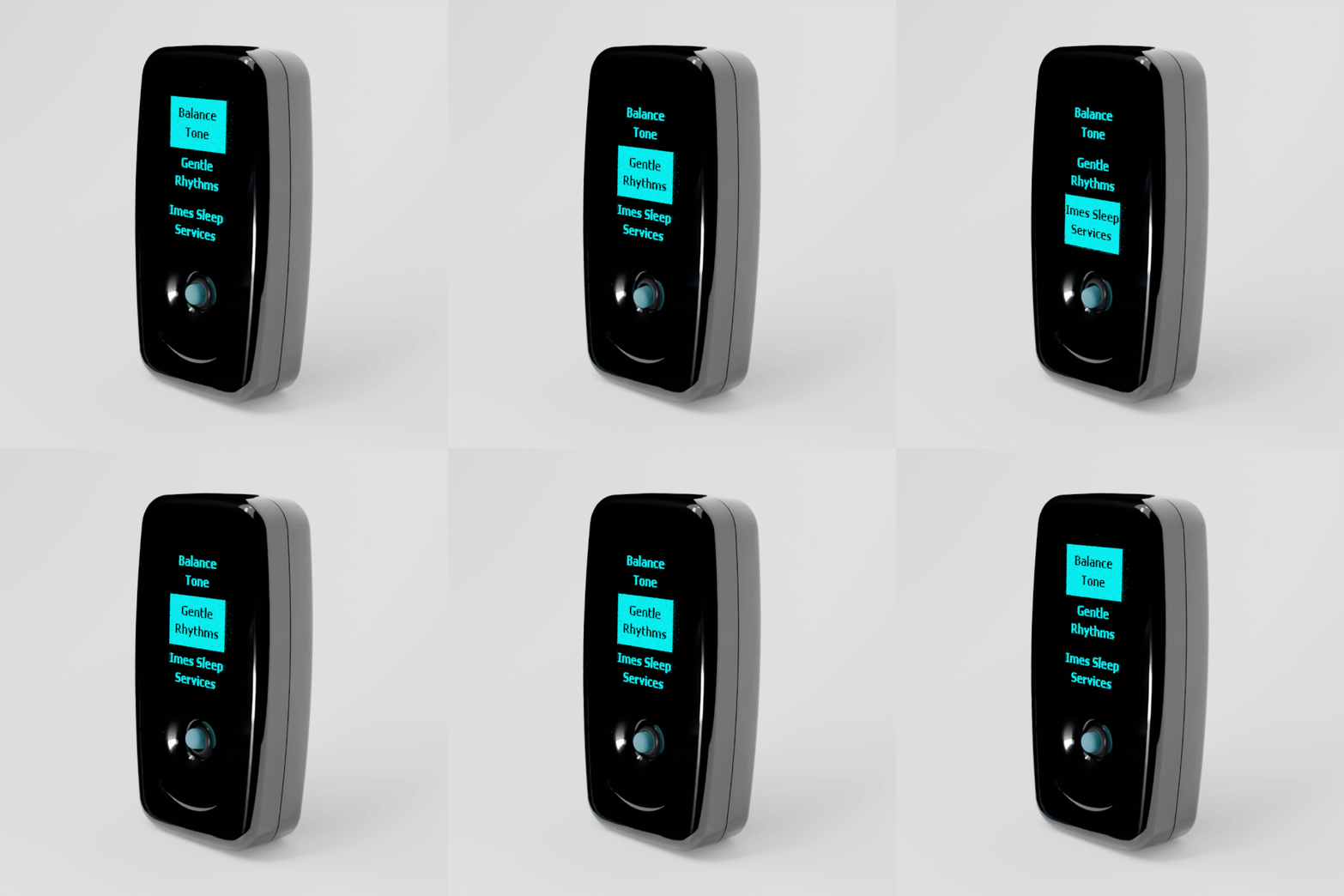
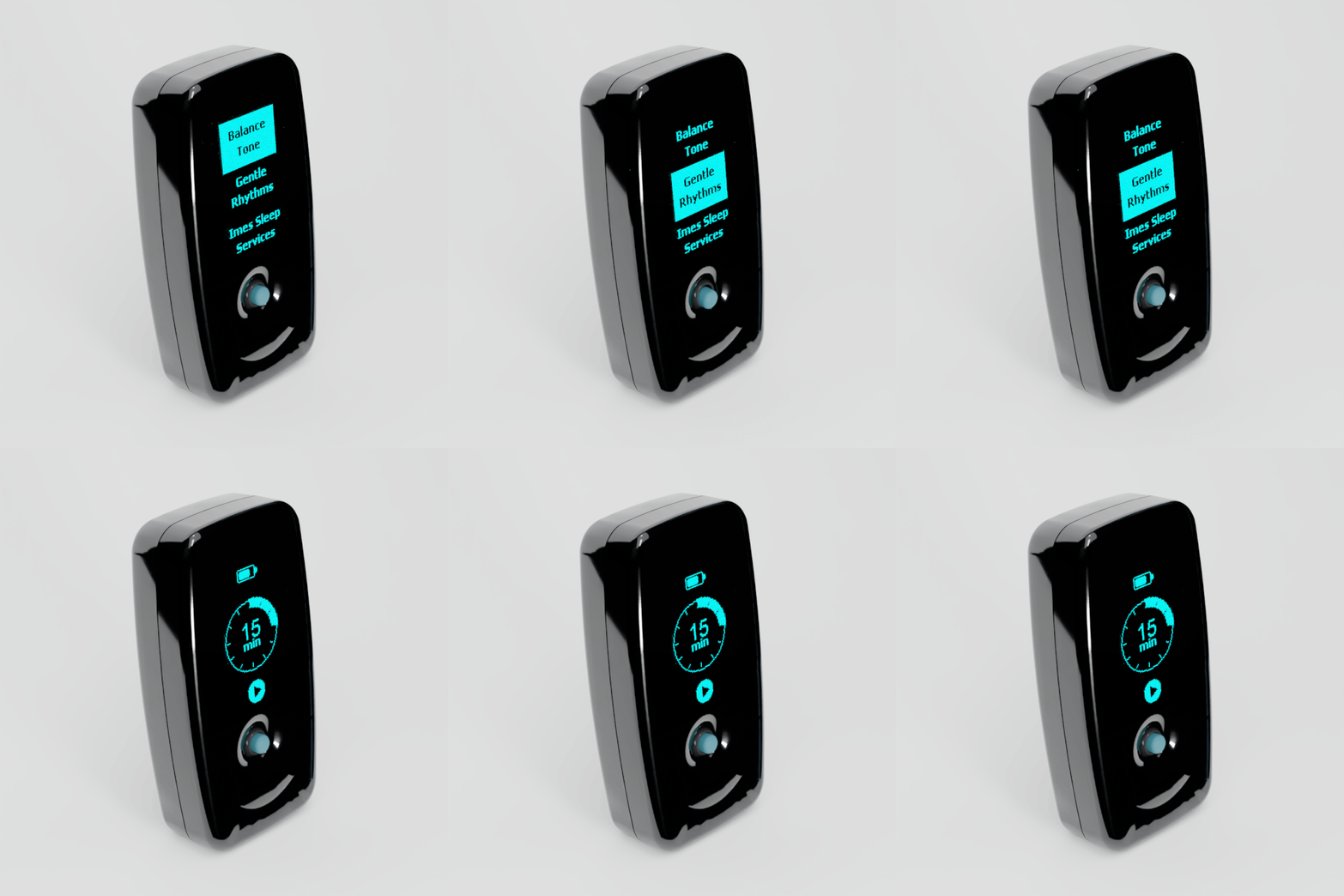
Pick your Tone with one thumb

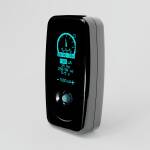
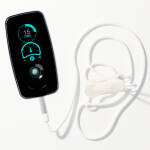
Buddy holds three Tones at a time and lists them on its screen. Once this Tone is loaded, switching to it takes a second, and you never need your phone to do it.

  1. 1

    Load it

    Sync the Tone to Buddy in the Vagal Tones app. You decide which three Tones Buddy carries.

  2. 2

    Nudge to highlight

    Push the joystick up or down to move through your Tones.

  3. 3

    Press to choose

    Push the joystick in. Buddy goes straight to the session timer, ready to start.

Close-up of Vagal Buddy as the joystick is nudged and the highlight moves from Balance to Gentle Rhythms
2Nudge to highlight
Vagal Buddy screen scrolling through three Tones, then opening the 15 minute session timer after the joystick is pressed
3Press to choose

225 customers Share your experience

Explore More Tones


Tones FAQ

Everything you need to know about Vagal Tones

Why has the app changed its name? Do I need to reinstall it?

We have completely rebuilt the app in Flutter with a focus on Bluetooth connection stability and a smoother overall experience. As part of this, the Android version has a new listing on Google Play under the name Vagally Better. If you are on Android, you will need to install the new app -- it will not update automatically from the old version. We recommend uninstalling the old app once you have the new one set up. If you are on iPhone or iPad, the iOS app will update through the App Store as normal -- you do not need to do anything. The iOS version will also be renamed to Vagally Better in a future update, but the app will continue to work exactly the same regardless of the name shown.